← back
v1.4.2 OUT NOW!

Pixel Edit Lite

PICO-8 sprites, in your pocket.

Copy a sprite from PICO-8 on your Mac. Edit it on your iPhone. Paste it straight back.

View on App Store
Pixel Edit Lite screenshot

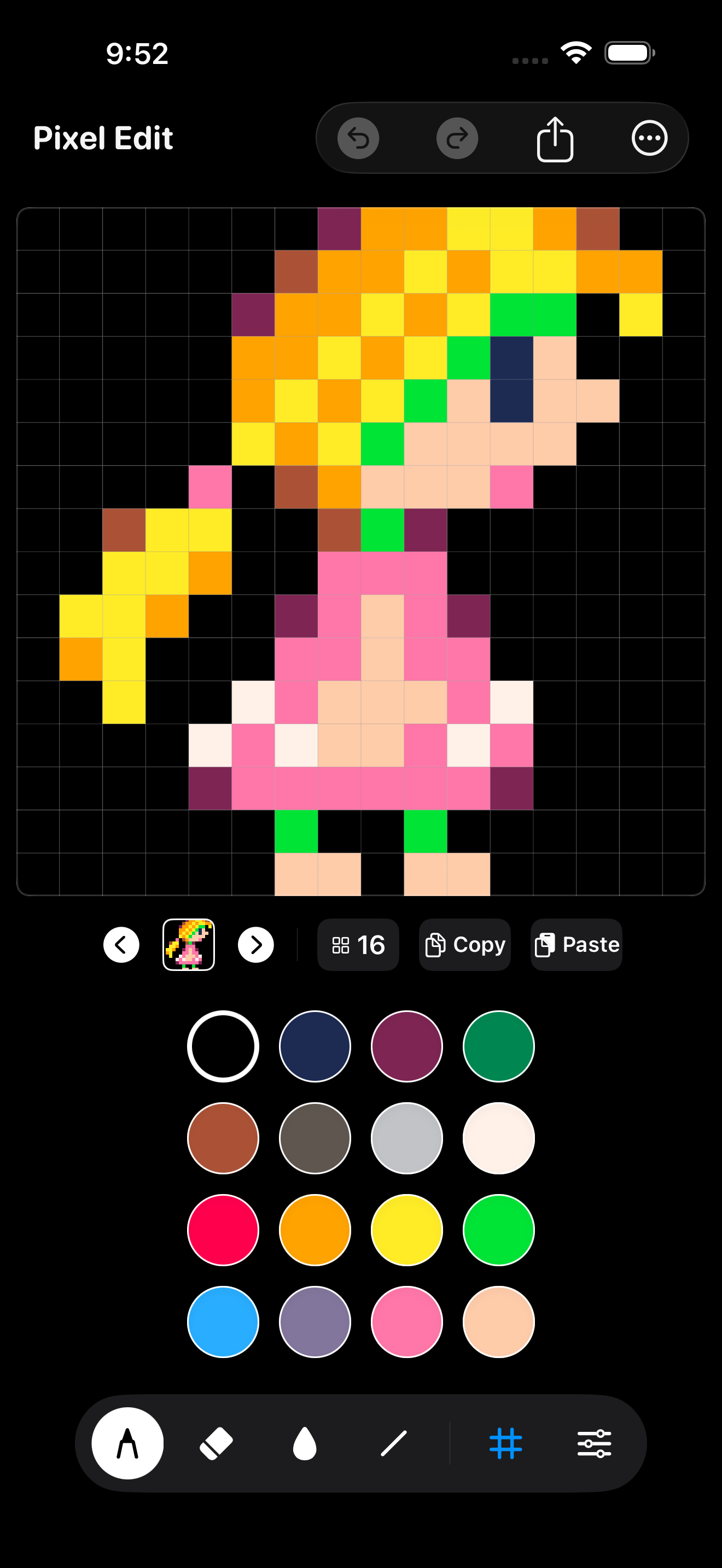
Draw sprites anywhere.

A focused pixel editor designed for fingers, not desktop menus.

Draw sprites anywhere.

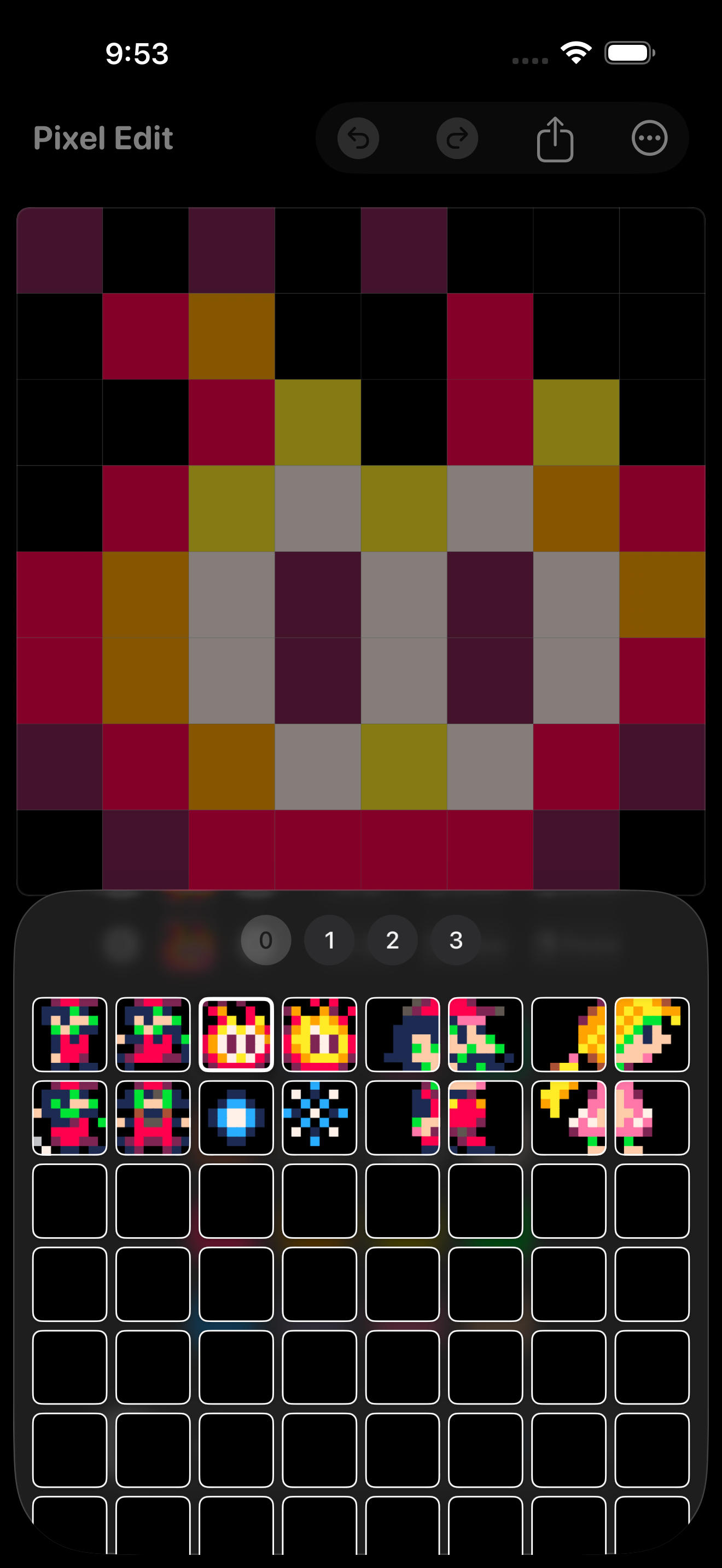
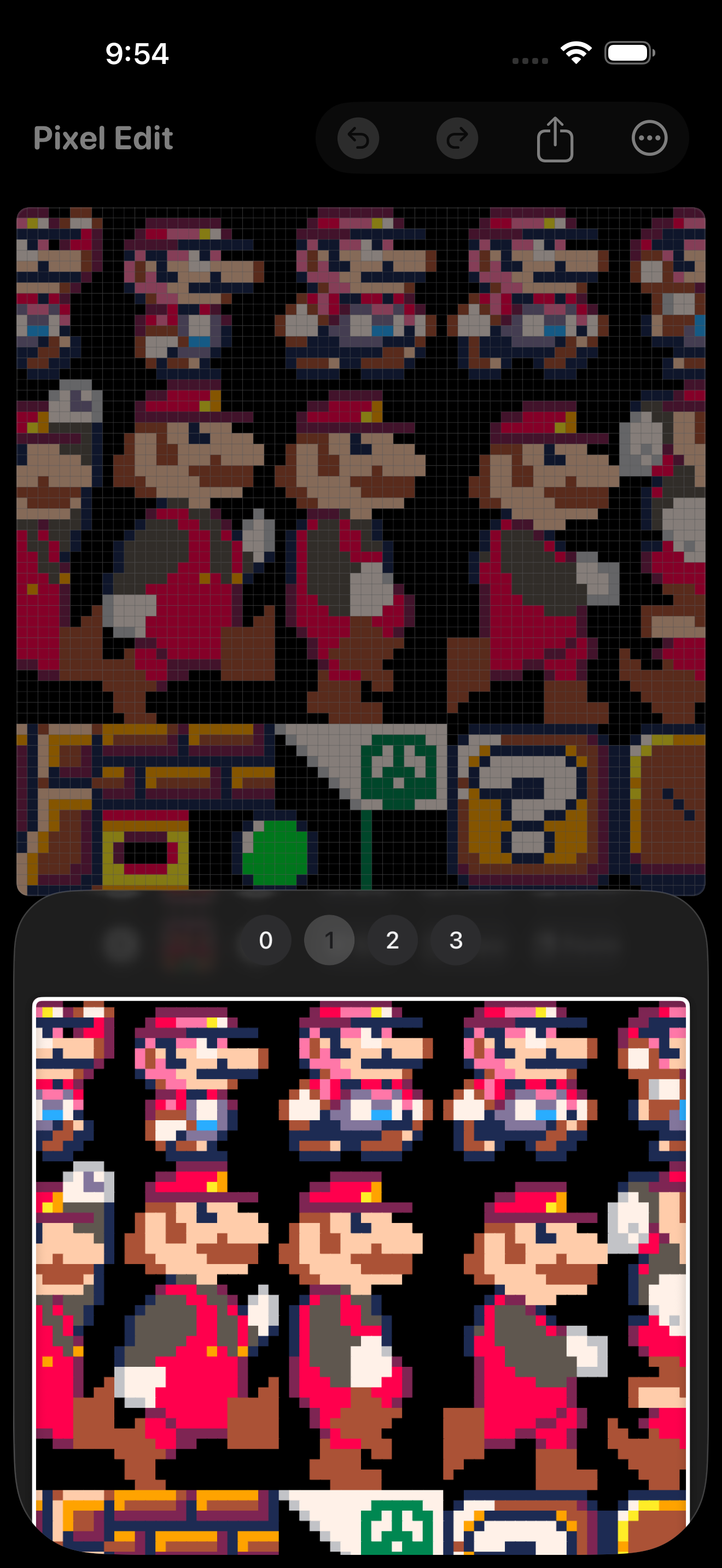
One real 128×128 sprite sheet.

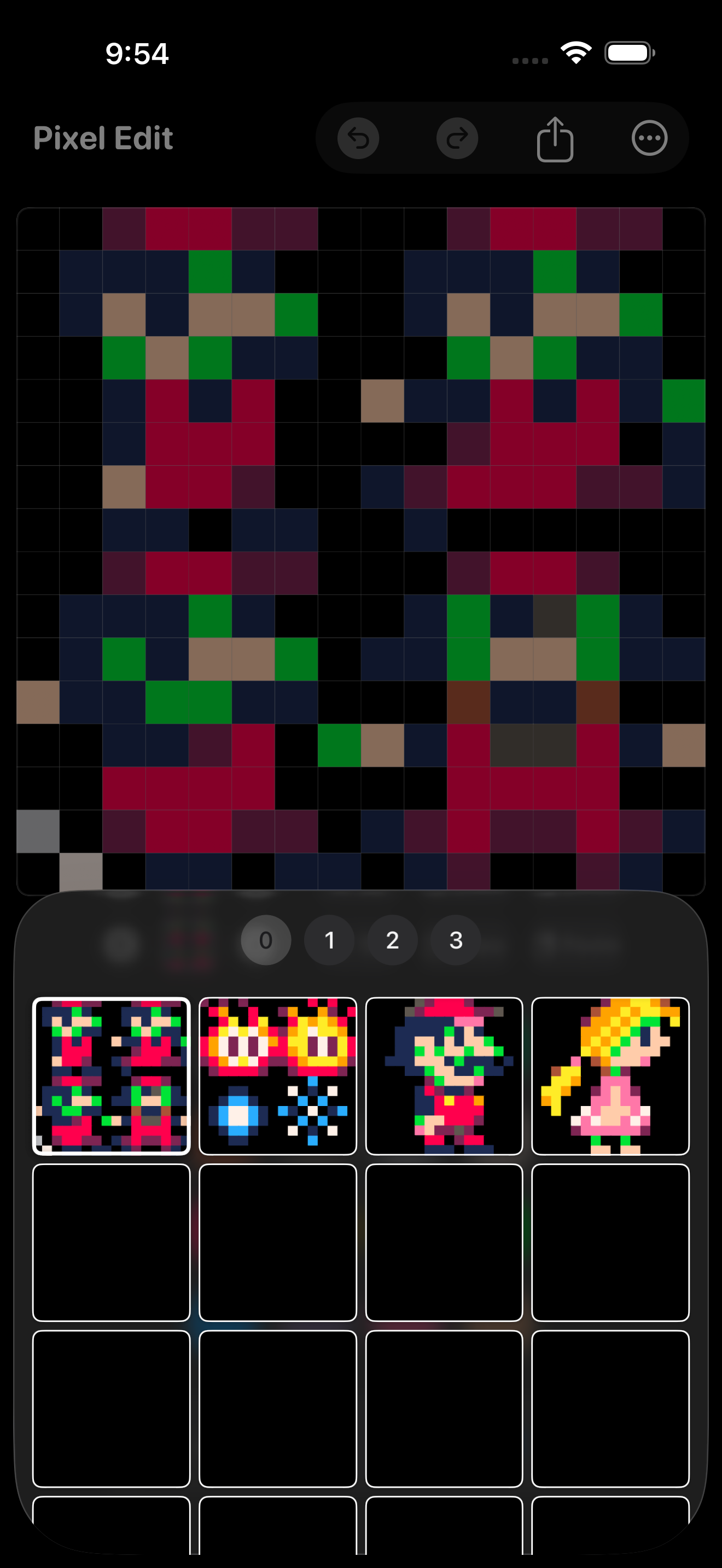
Navigate the whole sheet, then jump into any sprite.

One real 128×128 sprite sheet.

Pay once. Keep creating.

Offline. No ads. No account. No subscription.

Pay once. Keep creating.

Positioning & Philosophy

Built for PICO-8/TIC-80 devs and retro pixel artists sketching sprite ideas away from their computer. Deliberately not trying to be a full desktop-grade pixel art app — no layers, no brushes, no filters; staying tiny and frictionless is the point.

Real interop with PICO-8’s actual clipboard format is a genuine differentiator, not just a generic PNG exporter.

Price: $2.99 one-time purchase. Solo-developed indie app. No subscriptions, no ads, no accounts.

What it does

Touch Drawing & Palettes

Pencil, eraser, bucket fill, symmetry draw modes (X, Y, quad), and shape tools. Built-in palettes: PICO-8, secret alternate PICO-8, TIC-80, and classic Game Boy.

128×128 PICO-8 Sheet

Always-on 128×128 sprite sheet matching real PICO-8, with non-destructive editing-region sizing (8×8 / 16×16 / 32×32 / 64×64).

PICO-8 Interop & Clipboard

Real PICO-8 clipboard format support — copy a sprite in PICO-8 on your Mac, paste it here, edit, and paste it back.

Transform & Navigation

Rotate 90°, flip, and shift (wraps at the edge like real PICO-8). 4-page sprite picker matching PICO-8's own quadrant layout, with prev/next/duplicate.

Workflow & Safety

Reliable undo/redo, 3-second debounced autosaves, unscaled 1x PNG export, one-tap Recent Projects, and native Share Sheet export. Full VoiceOver accessibility support across the app.